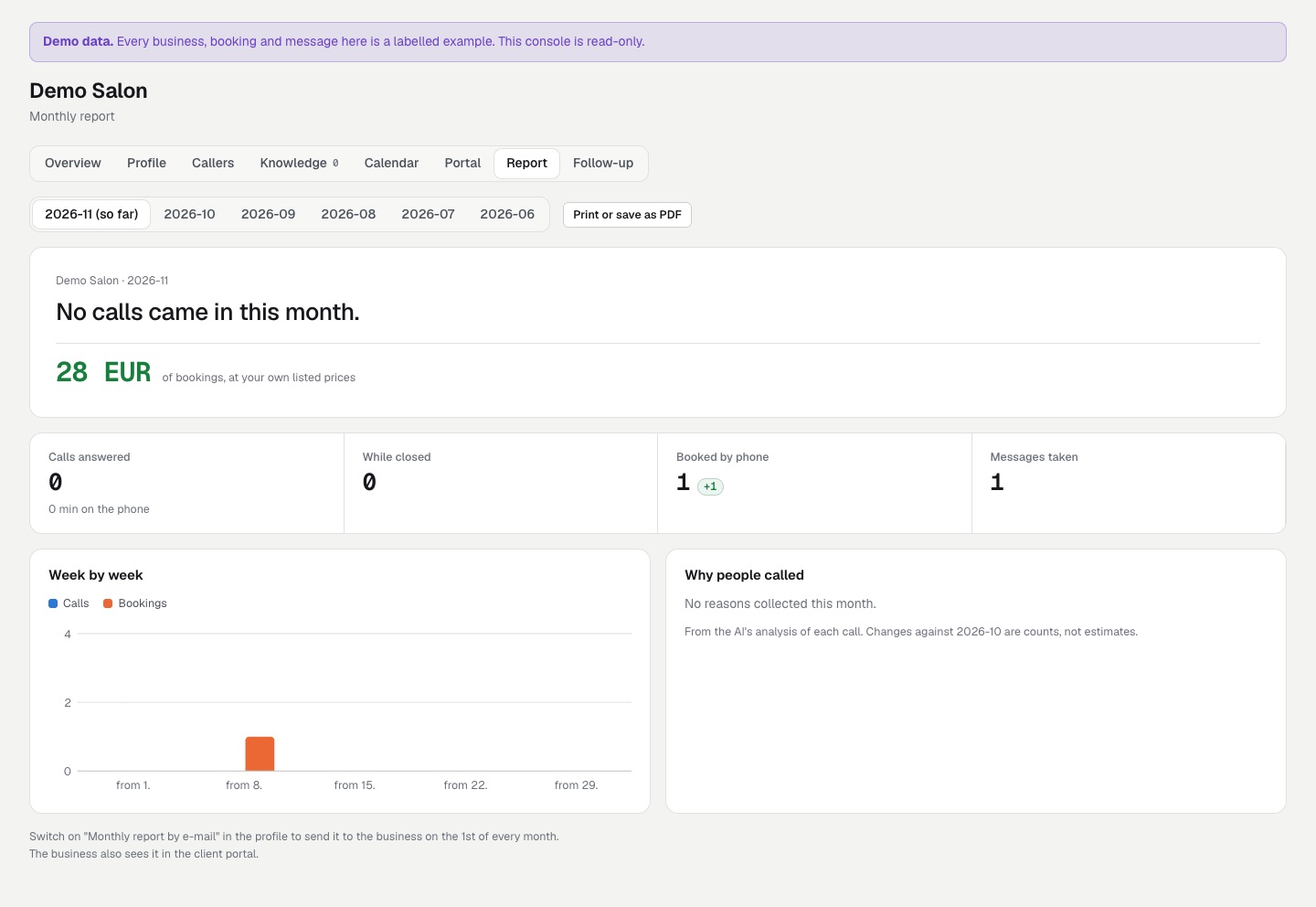
Monthly report
for the business, and your margin.
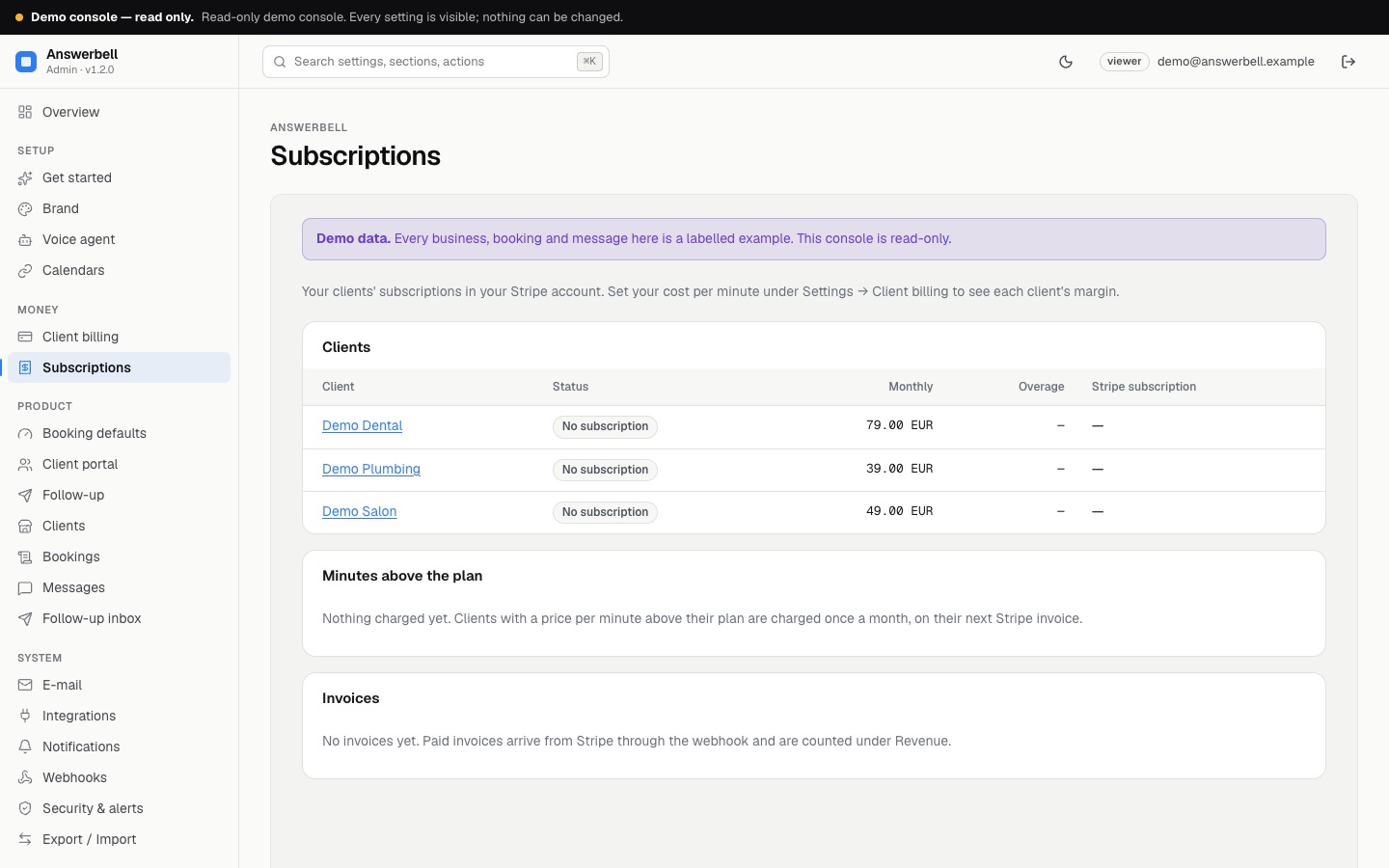
Clients → a client → Report shows what the receptionist did for the business in one month, counted from real calls and bookings. Your own margin per client is on the Subscriptions page.
01What the report shows
One month: this month so far, or any of the five before it.
- calls answered and minutes on the phone
- calls that came in while the business was closed, by its own opening hours and special days
- bookings made by phone, and later cancellations
- the value of those bookings at the business's own listed prices
- messages taken (urgent ones counted separately), transfers to a person, and spam kept away
- calls and bookings week by week
- why people called (from ElevenLabs' post-call analysis)
- the change against the month before
02How the value is counted
A service's price is used only when it is a plain amount with a currency: 28 €, 18.50 EUR, 1 200 Kč. A "from" price (od 55 €, from 55) counts at that amount, and the total is then shown as at least. A price without a currency, a service with no readable price, or a price in a second currency is counted as a booking but not valued. The report says how many bookings that affected.
Bookings typed into the console are not counted, only the ones the agent made on calls. The value is the business's own list price of what was booked, not money received.
03Where the business sees it
- Print or save as PDF prints the report on its own.
- In the client portal, under Monthly report, in Slovak, Czech or English.
- By e-mail, if you switch on Monthly report by e-mail in the client's profile. It goes to the business's notification addresses on the 1st of the month from 08:00 in its timezone, in its language (any of the seven), once per month. A report switched on mid-month waits for the next 1st.
04Margin (for you, not the business)
Under Settings → Client billing → Your cost per call minute, enter what one minute costs you (ElevenLabs plus telephony), taken from your own provider invoices. The Subscriptions page then shows, for each client and in total, this month's minutes, your cost, and your margin (monthly price plus overage, minus minutes × your cost). Each client's overview shows the same margin. Leave the cost empty to hide the margin.