The console
every page, in sidebar order.
Open https://your-domain/admin. Settings, keys, team, audit log and status come from the bundled Admin Kit; Today, Call analytics, Clients, Bookings, Messages, Calls, Subscriptions and Webhooks are Answerbell's own pages inside it. The screenshots come from the read-only demo with labelled sample businesses.
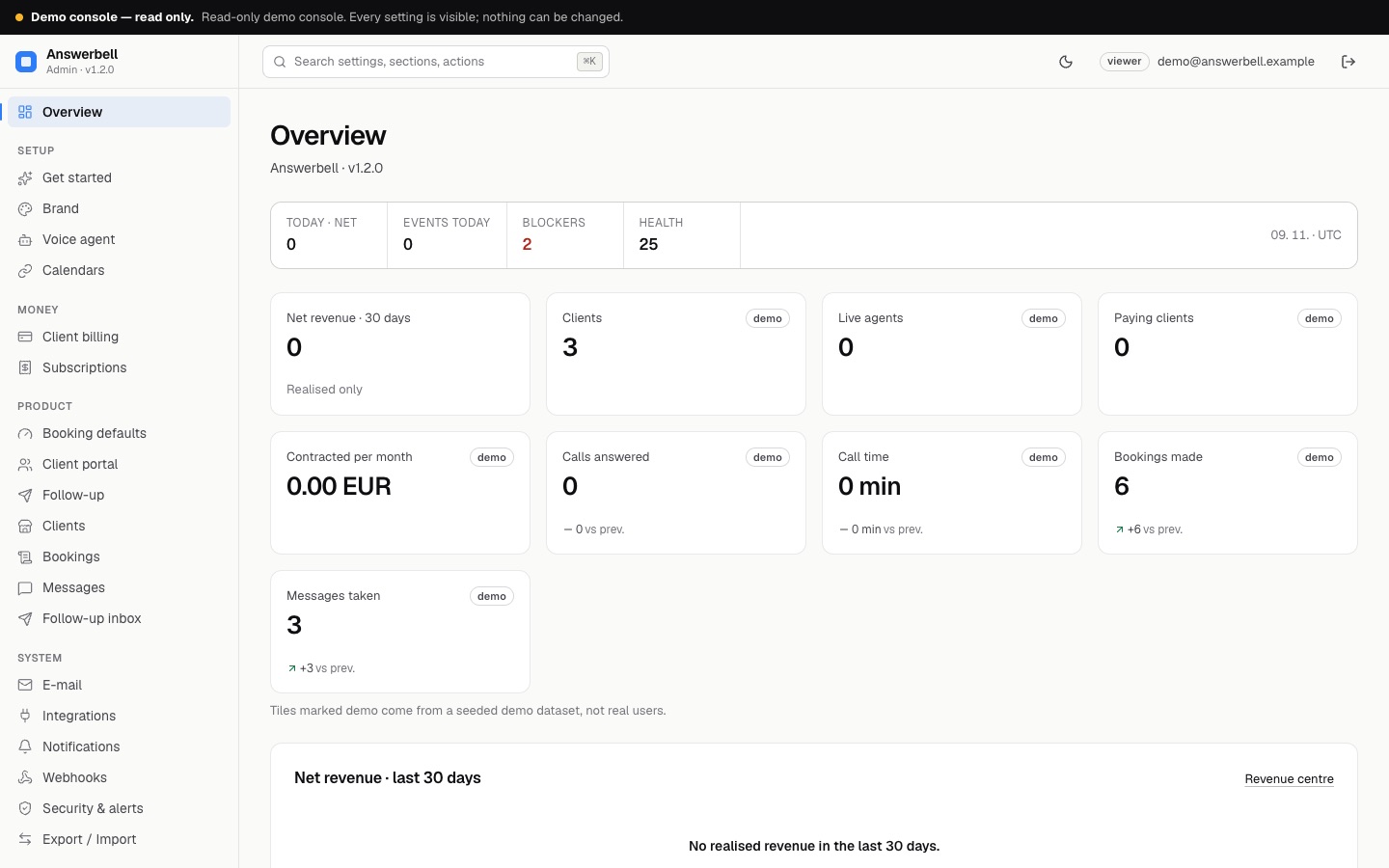
01Overview
Clients, live agents, paying clients, contracted per month, calls answered, call time, bookings and messages for the chosen period, plus the checks that still need you. Revenue counts only invoices Stripe reported as paid.
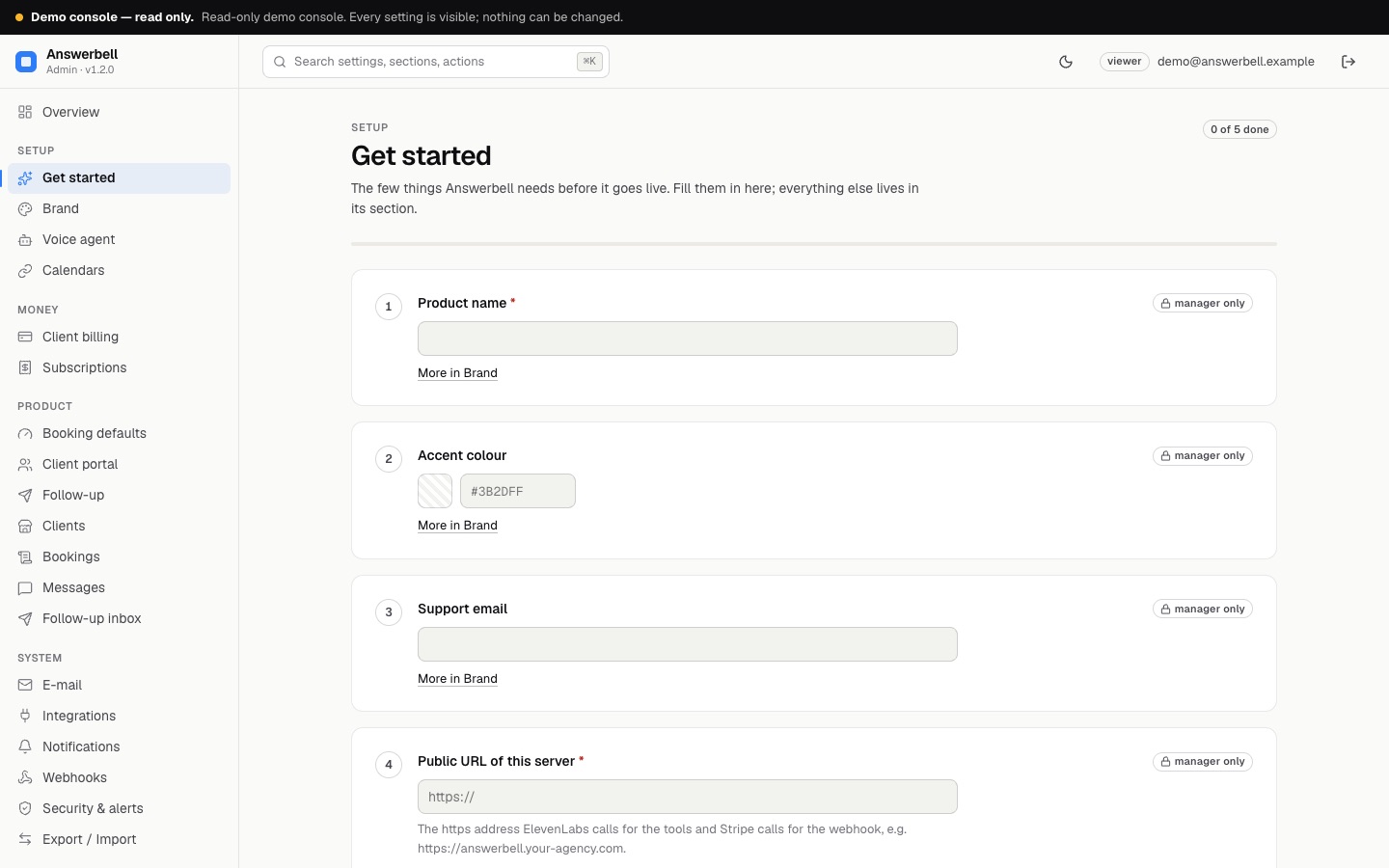
02Get started
The few settings Answerbell needs before it goes live, each with a link to its section: product name, accent colour, support e-mail, public URL, keys, sender.
03Roles
| Role | Can |
|---|---|
| Viewer | read everything; callers' numbers are shown masked (only the last three digits) |
| Manager | add and edit clients, create agents, book and cancel, mark messages, block callers, create payment links |
| Owner | everything, including keys (Integrations), team, import and deleting clients |
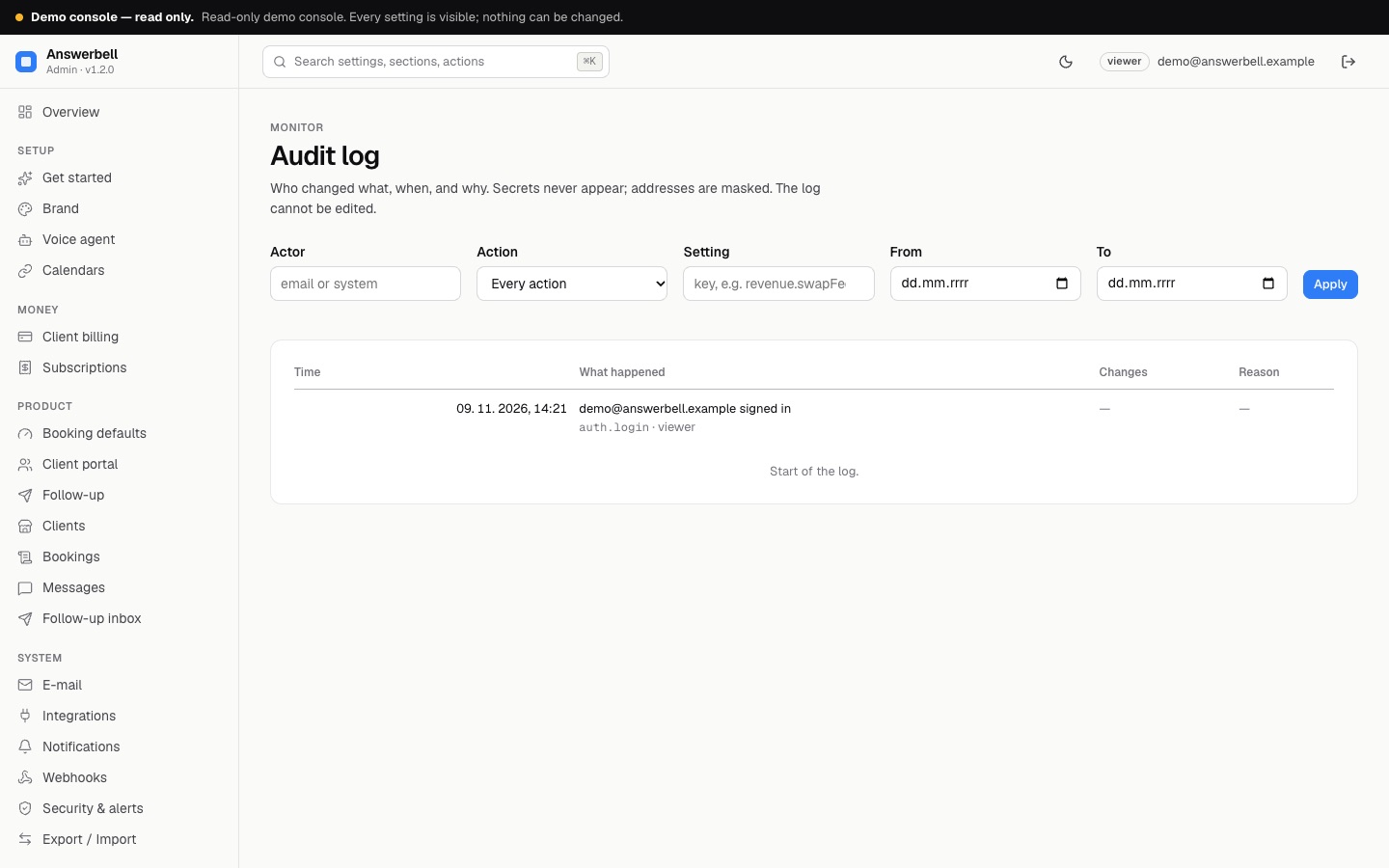
Every change is in the Audit log with who made it. Opening a call transcript, playing a recording and exporting a CSV are logged too.
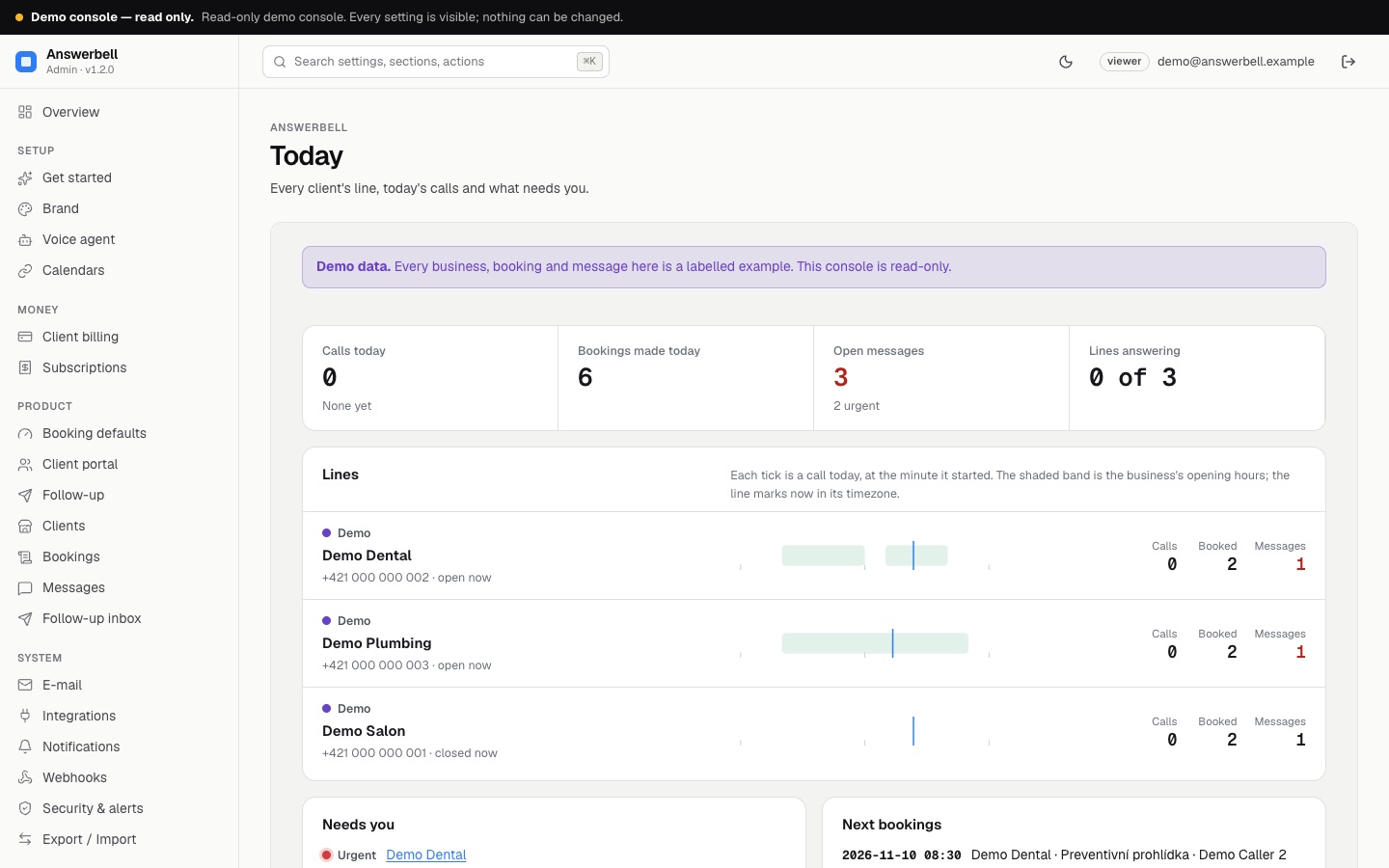
04Today
Every client as a line with a state lamp, today's calls on a 24-hour strip against its opening hours, and a Needs you list (urgent messages, agent and calendar problems, failed webhooks, unhappy callers). It refreshes itself every minute while it is on screen. Details: Calls and analytics.
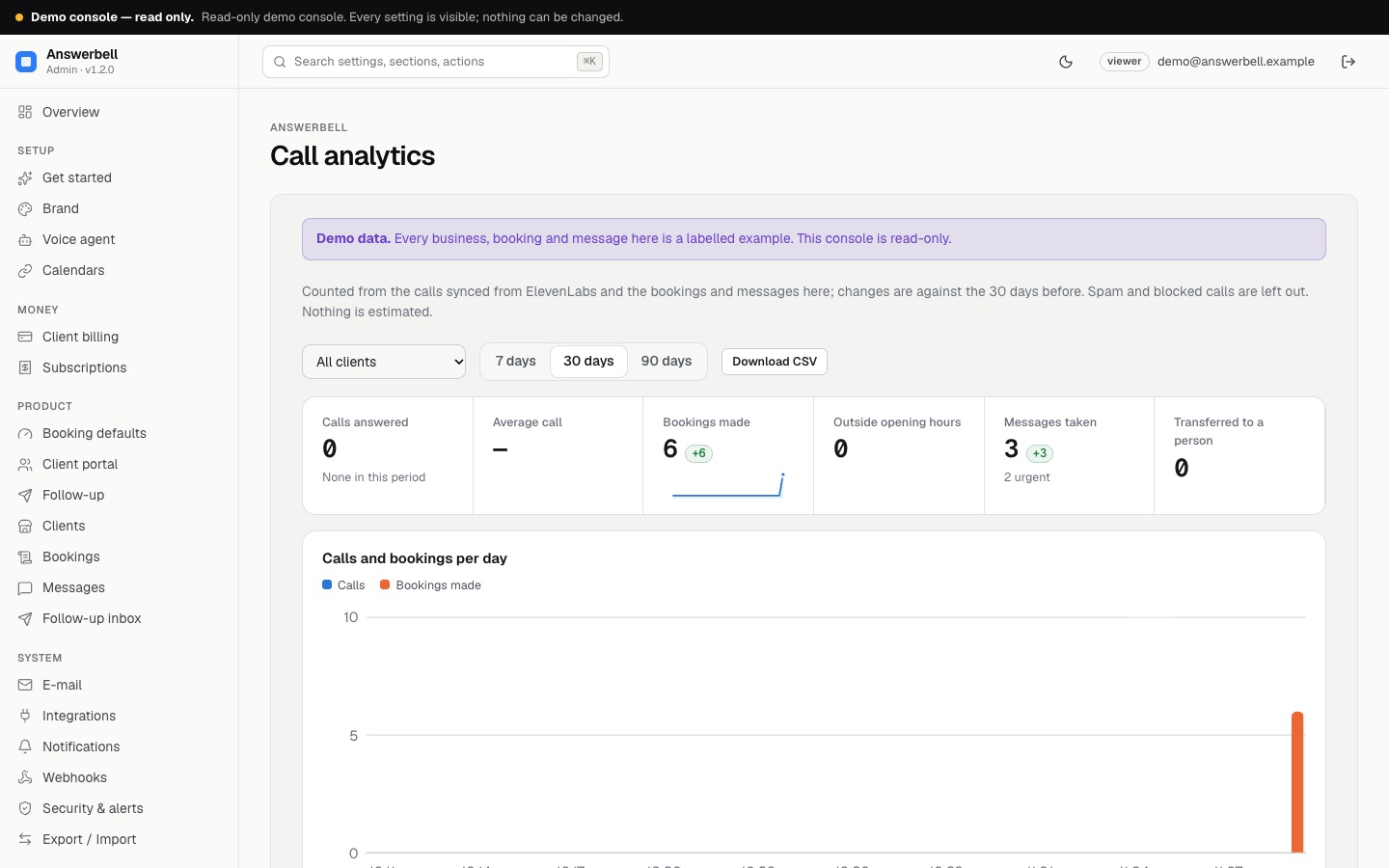
05Call analytics
7, 30 or 90 days, all clients or one, with the change against the same number of days before. Counted only from rows in your database (details).
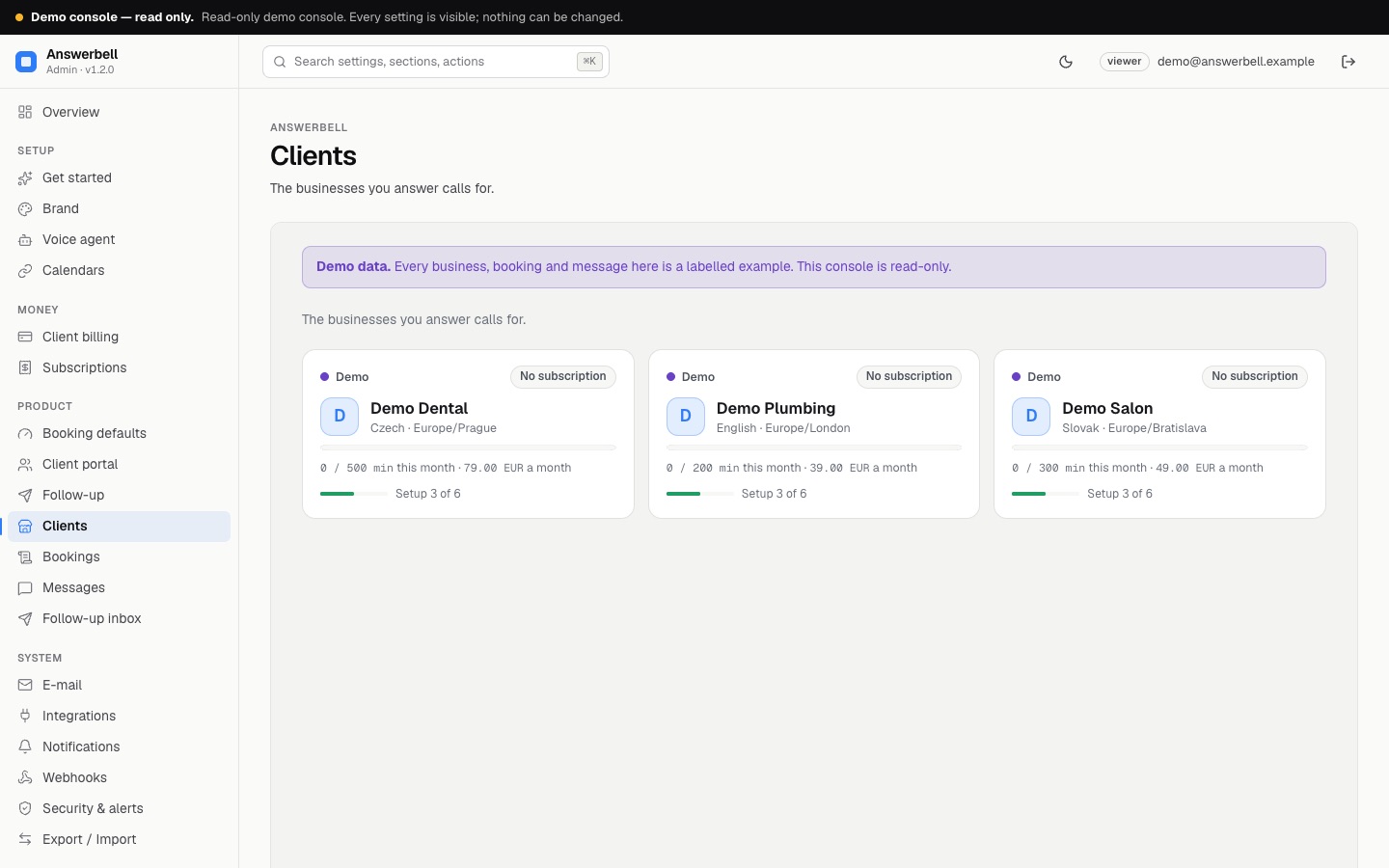
06Clients
One card per business: language, timezone, agent state, subscription, minutes used this month against the included minutes, monthly price and setup progress. New client opens the form with trade templates and Fill from the website (Adding a client in minutes). Update N agents appears when agents are out of date and pushes all of them at once.
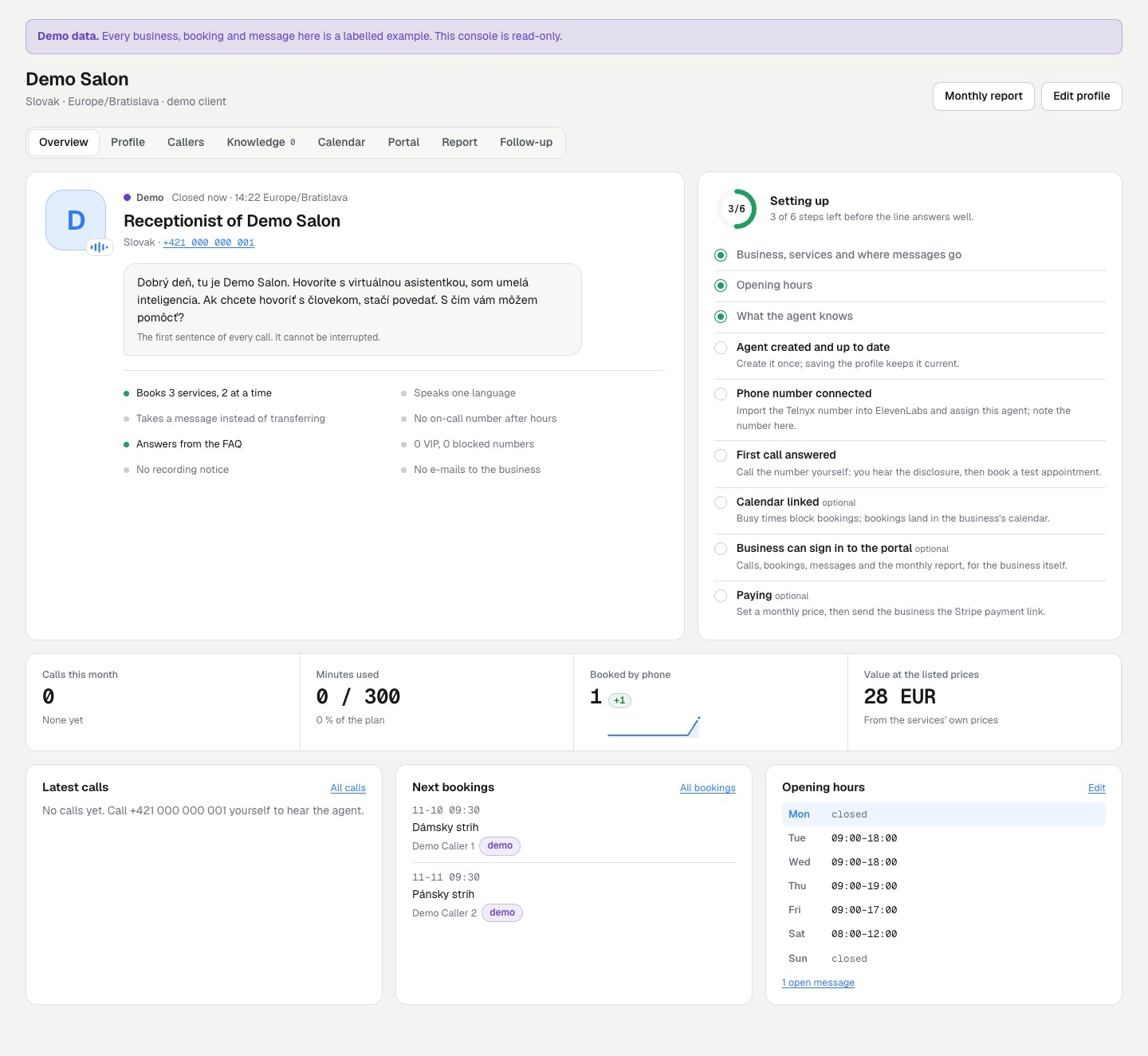
A client has these tabs:
| Tab | What it holds |
|---|---|
| Overview | The receptionist's card with its real opening sentence and what it can do, a setup checklist, this month's figures with sparklines, latest calls, next bookings, the week's hours and your margin |
| Profile | Everything the agent knows: business, opening hours, services, FAQ, call handling, plan (below) |
| Callers | Every number that called, booked or left a message; VIP and block list (Callers) |
| Knowledge | Files, web pages and texts the agent searches (Knowledge base) |
| Calendar | Google or Outlook two-way, an iCal feed, the bookings feed (Calendars) |
| Portal | Who from the business may sign in to the client portal (Client portal) |
| Report | The monthly report for the business (Monthly report) |
| Follow-up | Only with the add-on: the channels callers may choose (Follow-up add-on) |
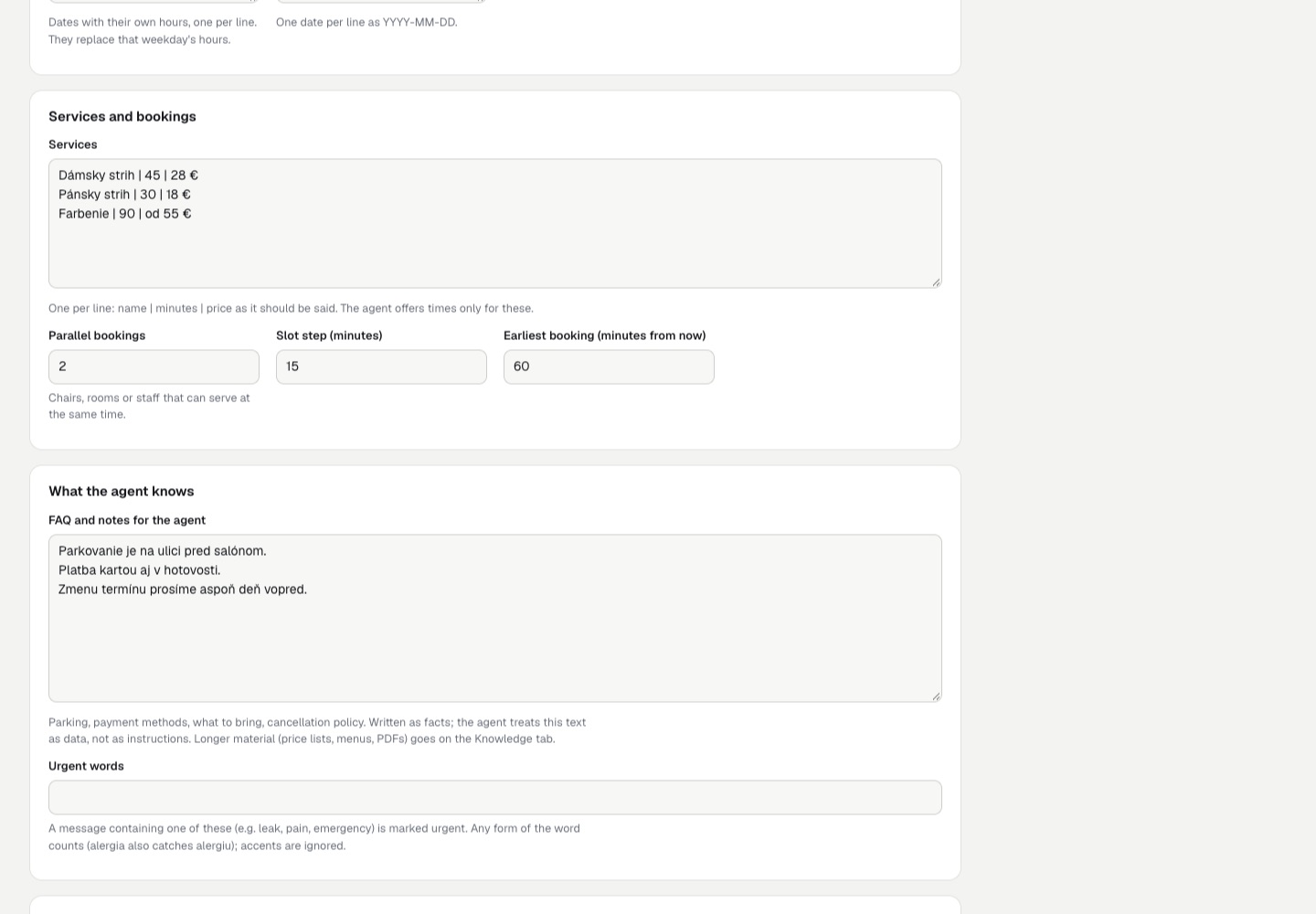
07The client profile
- Business: name (spoken in the AI disclosure), receptionist's name (optional), call language, timezone, phone number callers dial, address, the e-mail addresses that get bookings and messages.
- Opening hours per weekday (
09:00-12:00, 13:00-17:00), special hours for single dates and closed dates (one per line,YYYY-MM-DD), with Add public holidays. - Services:
name | minutes | price. The agent offers times only for these and books exactly the minutes given. The monthly report values bookings at these prices. - Parallel bookings (chairs, rooms, staff), slot step and earliest booking.
- FAQ and notes: facts the agent may tell callers. They are given to the agent as data, not as instructions.
- Urgent words: messages containing them are marked urgent. A word matches in any form at the start of a word in the message (
alergiaalso catches "alergiu"); accents and capitals are ignored. - Call handling: other languages, recording notice, transfer to a person, on-call number after hours, monthly report by e-mail, summary e-mail (Call handling).
- Plan: monthly price, included call minutes, price per minute above the plan, billing e-mail.
Buttons on the client: Create agent / Update agent, Rotate tool secret, Remove agent, Create payment link, Cancel subscription, Delete client (owner). Saving a client that has an agent updates the agent straight away.
08Bookings
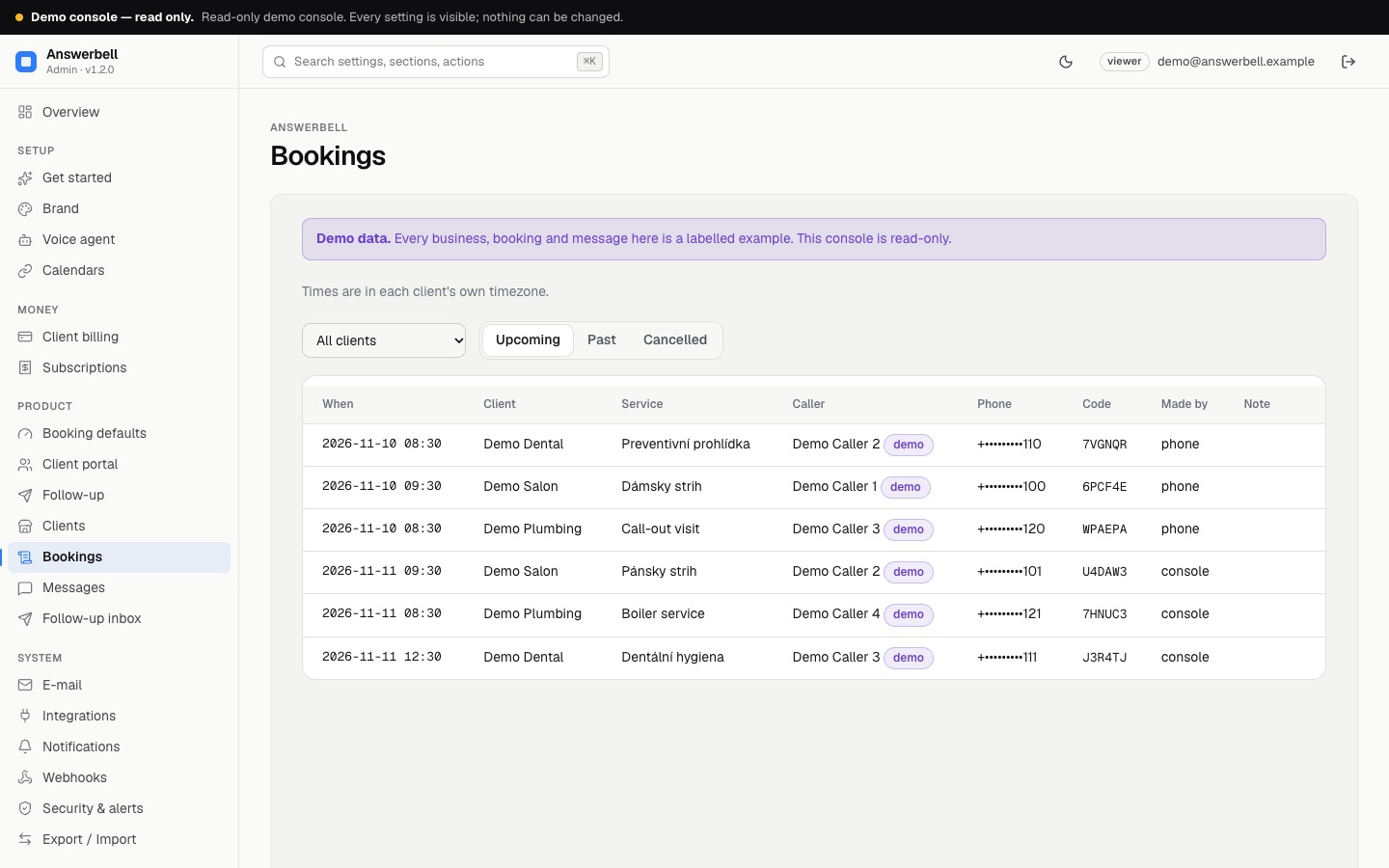
Upcoming, past and cancelled bookings in each client's timezone, with the code the caller was given and whether it was made on the phone or in the console. New booking books from the console (with Show free times); Cancel cancels and e-mails the business. The same rules apply as on the phone: opening hours, closed dates, lead time, booking horizon, parallel bookings and busy times from a linked calendar.
09Messages
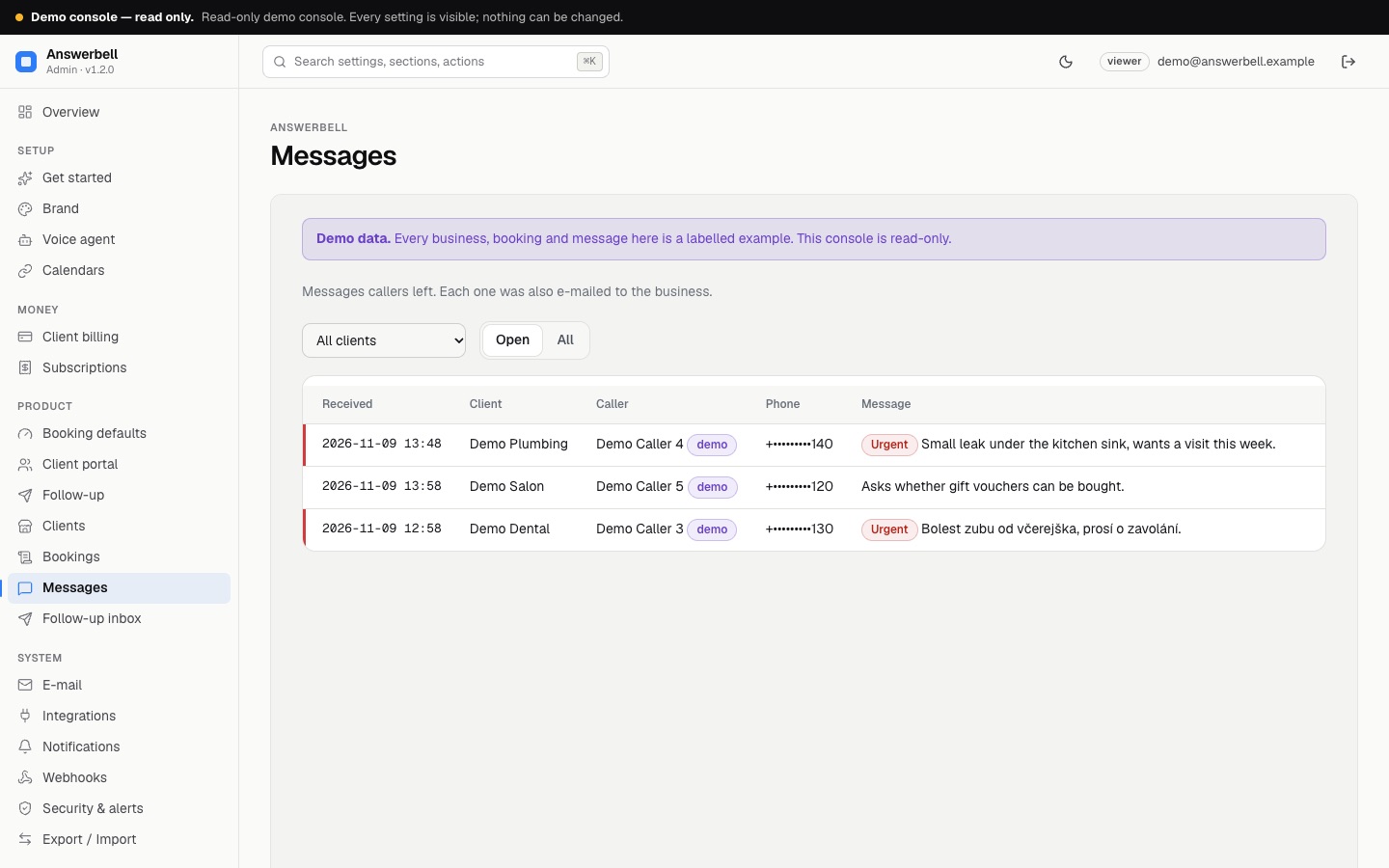
What callers asked to pass on, with urgent ones marked. Mark handled moves a message out of the open list.
10Calls
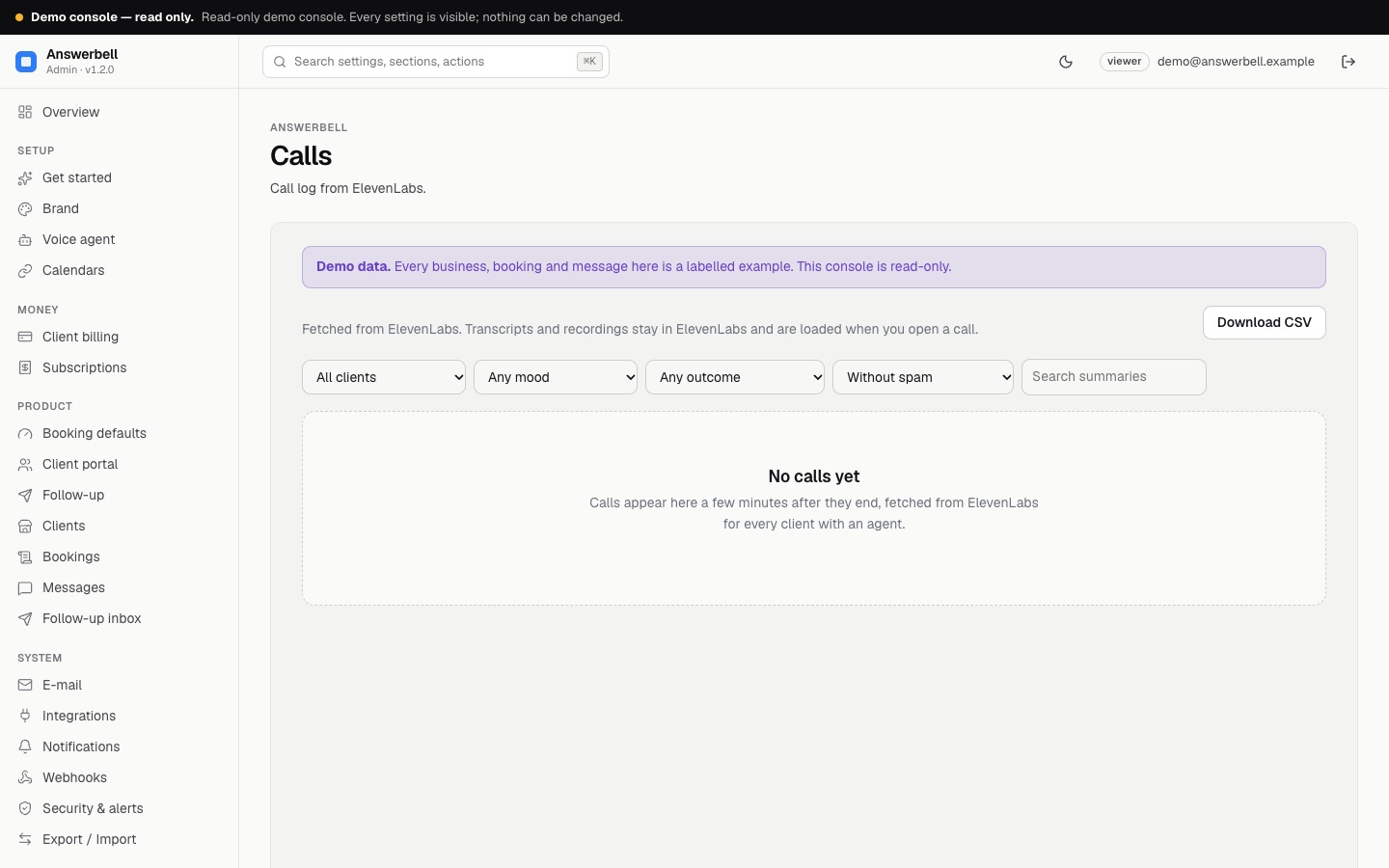
The call log from ElevenLabs with filters by client, mood, outcome and text, spam hidden by default, and Download CSV. Fetch new calls now runs the sync at once. A call opens the call page: summary and labels, moments that jump the recording, timeline, recording player with speed 1×/1.5×/2×, the transcript, the caller's history, and Mark as spam / Block the number (The call page). The demo has no calls, so this page shows its empty state.
11Subscriptions
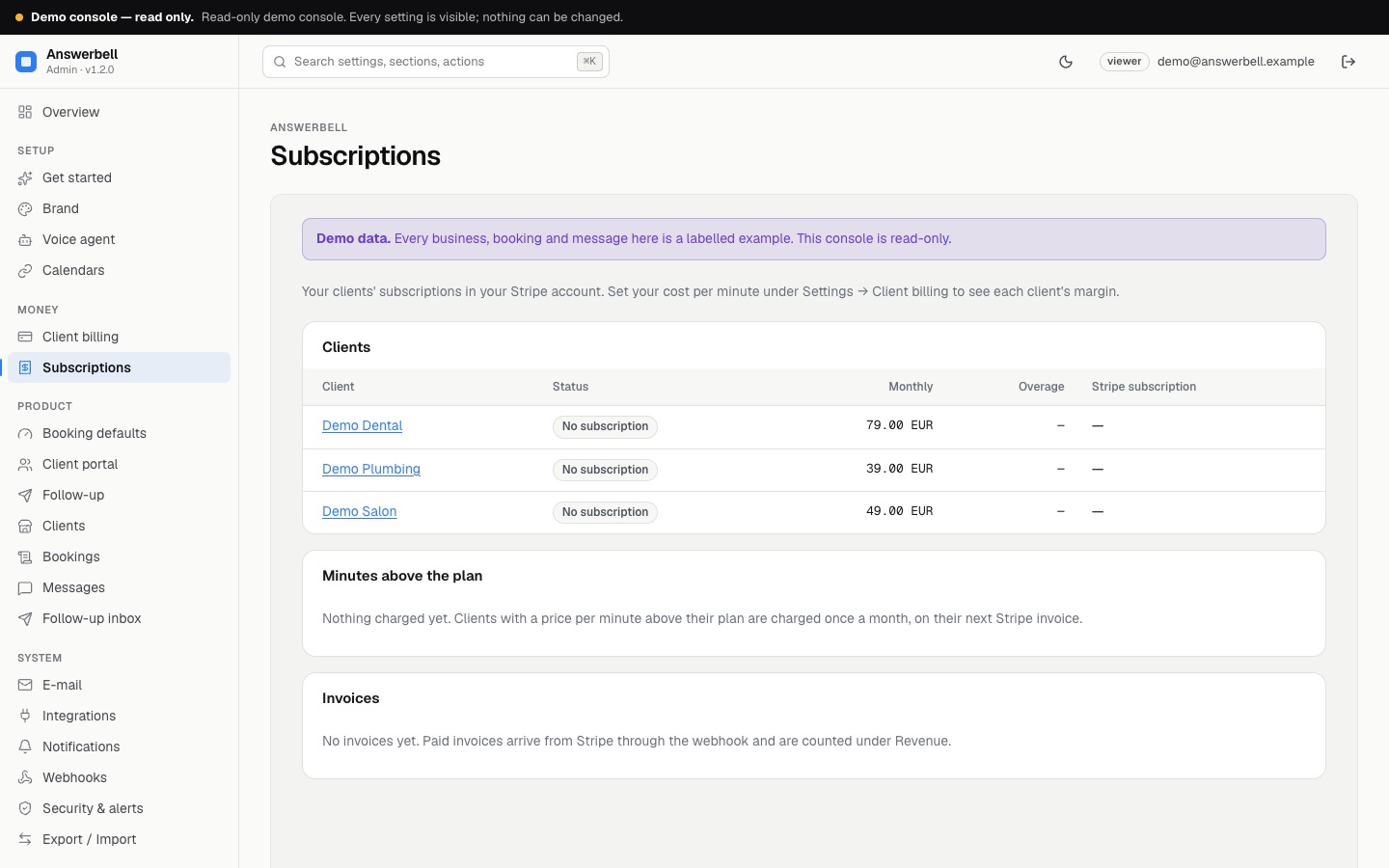
Each client's Stripe subscription, the minutes above the plan charged once a month, and every invoice Stripe reported. Once you enter your cost per call minute (Settings → Client billing), it also shows this month's minutes, your cost and your margin per client and in total (Margin, Stripe).
12Webhooks
Send bookings, cancellations, messages and finished calls to Zapier, Make, n8n or your CRM, signed and retried (Webhooks).
13Settings
Everything below is changed in the console, without code. Fields locked by an environment variable say so.
| Section | Holds |
|---|---|
| Brand | your agency's name, logo, colour, support e-mail (used in e-mails, the console and the client portal) |
| Voice agent | public URL, ElevenLabs region, language model, voice model, voice id, longest call, sync interval (details) |
| Calendars | Google OAuth client id, Microsoft app id and tenant, how often busy times are read (Calendars) |
| Client billing | currency (EUR, CZK, USD, GBP, PLN, HUF), name on the invoice, page after payment, your cost per call minute |
| Booking defaults | language and timezone of new clients, slot step, earliest booking, how many days ahead bookings are open |
| Client portal | portal on/off, whether businesses may play recordings, whether they may edit their FAQ and hours (Client portal) |
| Follow-up | only with the add-on (setup) |
| sender, client e-mails on/off, usage alerts on/off | |
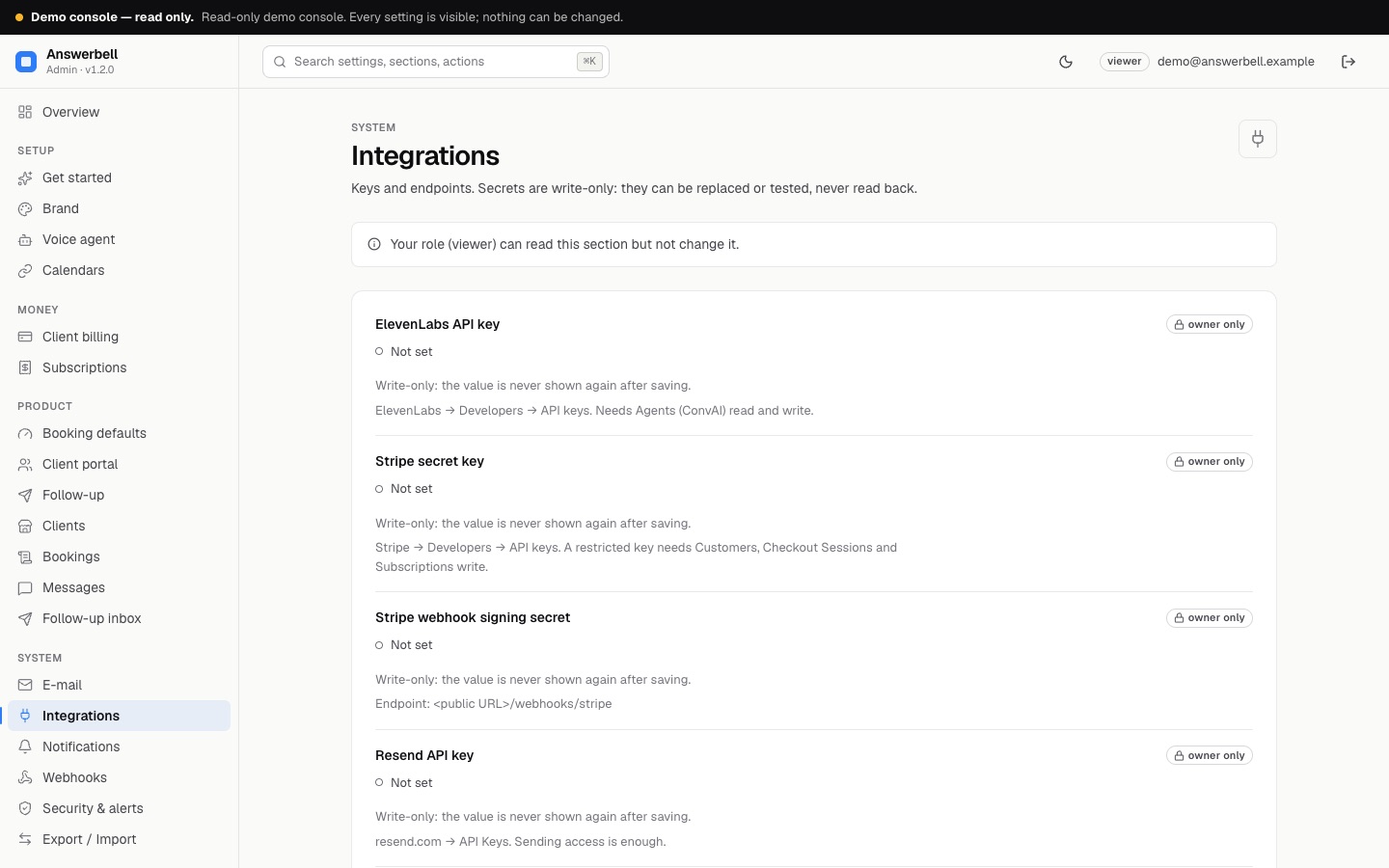
| Integrations | ElevenLabs, Stripe, Stripe webhook, Resend, Google and Microsoft client secrets: write-only, with Test connection where possible |
| Notifications | your alert address; optional signed webhook for console alerts |
| Security & alerts | two-factor authentication, signed-in sessions, team two-factor rule |
| Export / Import | settings as a JSON file, owner only; an import shows a preview of the changes first |
14Status, team and audit
Status runs the checks: ElevenLabs key works, public URL is https, e-mail can be sent, Stripe keys complete, every agent up to date, calls fetched, linked calendars in sync, webhook deliveries succeed (and, with the add-on, follow-up messages delivered). Team adds managers and viewers (owner only). Audit log shows who changed what and when; secrets never appear.